

Shopify Store Getting Traffic but No Sales? 12 Fixes That Work
Getting Shopify traffic but no sales? A Shopify CRO expert explains the 12 fixes to check first — speed, product pages, shipping, trust and more.

On this page
- First: confirm it is really a conversion problem
- 1. Your store is slow on mobile
- 2. The product page doesn’t answer the buyer’s questions
- 3. Product photos don’t sell
- 4. Shipping costs appear too late
- 5. There is no reason to trust a store they’ve never heard of
- 6. The offer isn’t clear
- 7. The landing page doesn’t match the ad
- 8. Navigation and collections make products hard to find
- 9. The cart adds friction
- 10. Apps are fighting each other
- 11. Pricing and variants confuse people
- 12. Nobody is measuring what changed
- What results look like when this is done properly
- When to get help
- FAQ
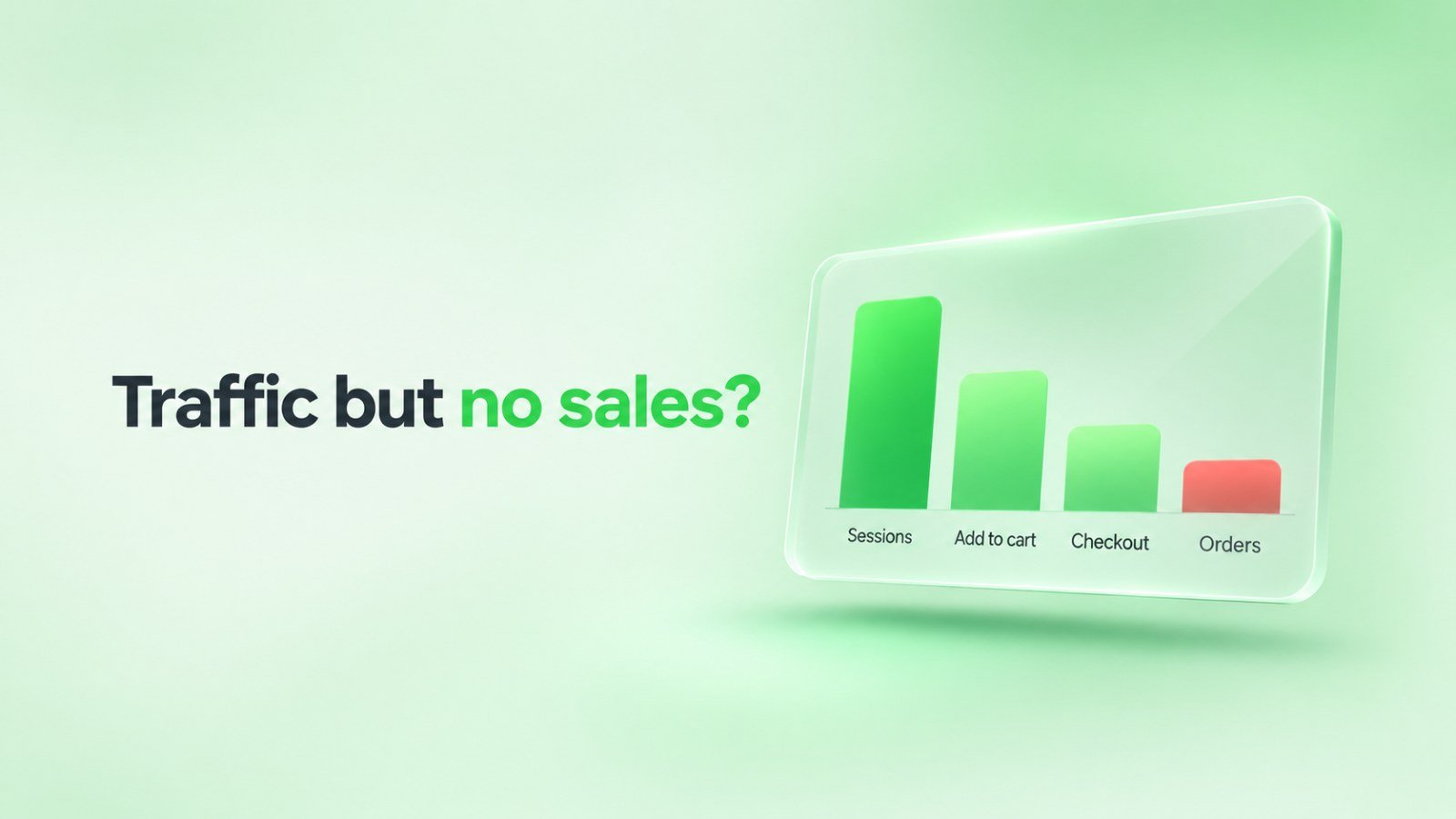
Your ads are working. Google Analytics shows sessions climbing. But orders are flat. If your Shopify store is getting traffic but no sales — or far fewer sales than the traffic should bring — the problem is almost never “more traffic”. It is what happens after people land.
I’m Alok Mondal, a Shopify developer and CRO consultant. Over 9+ years and 1,500+ Shopify projects, the same handful of problems come up again and again. Below are the 12 fixes I check first, in roughly the order I check them.
First: confirm it is really a conversion problem
Before changing anything, rule out two things that make “no sales” look worse than it is:
- Bad traffic. Check sessions by source in Shopify Analytics. If most visits come from one ad campaign, one country you don’t ship to, or a bot spike, the store may be fine and the traffic is the problem.
- Broken tracking. Compare orders in Shopify admin with purchases in GA4 or your ad platform. If Shopify shows orders that GA4 doesn’t, you have a tracking problem, not a sales problem.
If the traffic is real and the orders are real, work through the list below.
1. Your store is slow on mobile
Most Shopify traffic is mobile, usually on slower connections than your office Wi-Fi. A product page that takes several seconds to show the main image loses people before they ever see the price. Check Core Web Vitals in PageSpeed Insights for your homepage, a collection and a product page — the targets are LCP under 2.5s, INP under 200ms and CLS under 0.1.
Fix: remove unused apps and scripts, compress and correctly size images, and lazy-load anything below the fold. I cover this in detail in Why is my Shopify store slow?
2. The product page doesn’t answer the buyer’s questions
Shoppers decide on the product page. If they have to scroll, tap or guess to find price, sizes, delivery time, returns and what makes this product better, they leave.
Fix: put the essentials above the fold on mobile — title, price, key benefit, variant selector, add to cart — and answer the top objections (shipping, returns, sizing, materials) right below it.
3. Product photos don’t sell
Online, photos replace touching the product. One white-background shot is rarely enough.
Fix: show scale, detail, the product in use and every variant. Make sure images load fast and zoom works on mobile.
4. Shipping costs appear too late
Unexpected costs at checkout are one of the most common reasons people abandon a cart.
Fix: state shipping costs and delivery times on the product page and in the cart. If you offer free shipping over a threshold, show the threshold and how close the cart is to it.
5. There is no reason to trust a store they’ve never heard of
New visitors from ads don’t know you. They look for signals that you are real and safe.
Fix: real reviews near the add-to-cart button, a clear returns policy, recognisable payment methods, a visible contact option and an About page that shows real people.
6. The offer isn’t clear
If a visitor can’t tell in five seconds what you sell, who it’s for and why it’s better, they bounce.
Fix: rewrite the homepage hero and product-page headline around the outcome for the customer, not the product’s name.
7. The landing page doesn’t match the ad
An ad for a specific product that sends people to your homepage makes them search all over again. Many won’t.
Fix: send ad traffic to the exact product or a focused collection, and keep the headline, image and offer consistent with the ad.
8. Navigation and collections make products hard to find
Too many menu items, vague collection names or no filters turn browsing into work.
Fix: simplify the menu to how customers think about your products, add filters on large collections and make search work properly.
9. The cart adds friction
Pop-ups, forced account creation and cluttered cart drawers all cost orders.
Fix: keep the cart simple, show the total clearly, offer express checkout options like Shop Pay, Apple Pay and Google Pay, and make guest checkout easy.
10. Apps are fighting each other
Review widgets, upsell pop-ups, chat, countdown timers and currency converters often load on every page, slow it down and sometimes break the layout on mobile.
Fix: audit every app. Keep the ones that clearly earn their place and remove the rest — including leftover code from apps you already uninstalled.
11. Pricing and variants confuse people
Unclear bundle pricing, too many variants or out-of-stock combinations that can still be selected make people hesitate.
Fix: show savings clearly, simplify variant choices and hide or label unavailable combinations.
12. Nobody is measuring what changed
Many stores change five things at once and never know which one helped — or hurt.
Fix: record your current conversion rate, change one area at a time, and compare like-for-like periods. On stores with enough traffic, run A/B tests.
What results look like when this is done properly
For a wood products brand on Shopify, a 3-month full-site optimization lifted the conversion rate to 3.18% — up 14% — with orders up 19% compared with the previous 30 days. For a UK accessories brand with 120K+ sessions a month, speed work followed by a 3-month CRO program brought the conversion rate to 8.68% and total sales up 12%. Neither store needed more traffic. They needed the existing traffic to convert.
When to get help
If you have worked through this list and sales are still flat, a second pair of eyes is usually faster than more guessing. My Shopify CRO service combines an audit with the fixes built directly into your theme, with a +20% conversion-rate guarantee on the CRO Audit + Fix package (terms on the FAQ). If you only want the diagnosis, the fixed-price Shopify Store Audit gives you a prioritized fix list your own developer can follow.
FAQ
Why do I get traffic but no sales on Shopify?
Usually because of slow mobile pages, product pages that don’t answer buyers’ questions, surprise shipping costs, weak trust signals or a mismatch between ads and landing pages. Rule out bad traffic and broken tracking first.
What is a good conversion rate for a Shopify store?
It depends heavily on niche, price point and traffic source, so compare against your own past performance rather than a single industry number. Track it consistently and improve it step by step.
Should I spend more on ads if sales are low?
Not until the store converts. More traffic to a store that doesn’t convert mostly increases your cost per order.
How long does it take to see results from CRO?
Speed improvements show up as soon as fixes go live. Conversion changes usually need a few weeks of traffic to measure properly.
Written by